Understanding the Digital Shelf Edge: How Visual UX Meets In-Store Merchandising
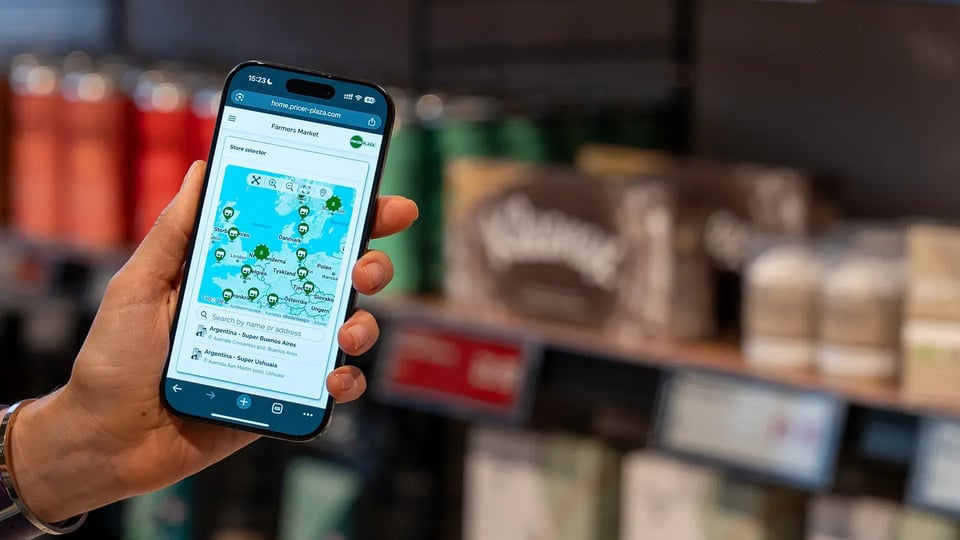
Electronic shelf labels (ESLs) were initially adopted to replace paper tags, automate price changes, and streamline store operations. However, as physical retail shifts toward experience-driven environments, the shelf edge has evolved into a critical touchpoint for brand messaging and shopper user experience (UX).
Connecting central merchandising strategy directly to physical execution requires modern cloud infrastructure. By pairing floating canvas designs with automated business logic, retail operations can achieve total visual control over the shelf edge while maintaining high operational efficiency.
Based on in-store testing, implementing platforms like Pricer Avenue™ has been shown to deliver up to a 5% increase in sales by transforming standard shelf space into dynamic, high-engagement brand zones.
The Role of Pricer Plaza
Managing a connected shelf network at enterprise scale requires a robust central management architecture. Pricer Plaza acts as the underlying cloud operational hub, managing ESL infrastructure, centralizing user governance, tracking system health, and orchestrating real-time data flow across thousands of endpoints.
When visual creation tools and rule engines are built directly into Pricer Plaza, the shelf edge transitions from a background utility into a flexible canvas for in-store communication and elevated UX.
Layout Flexibility via Plaza Designer
Static, hard-coded display formats limit how brands communicate in the aisle. Plaza Designer allows merchandising and creative teams to build dynamic, drag-and-drop design elements without needing technical development resources.
With Scenario Management built into Plaza Designer, teams can also automate when and where those designs are displayed.
- Native Multi-Color Rendering: Modern display hardware supports vibrant multi-color outputs, including 4-color and 6-color configurations. Plaza Designer renders layouts directly in the label’s native color profile, ensuring brand integrity before publishing.
- Dynamic Data Binding: Layout elements such as pricing, unit measures, promotional flags, and product details bind directly to live enterprise data sources for real-time accuracy.
- Multi-Label Floating Canvas Designs: Visual merchandising is no longer constrained to single, isolated tags. Advanced layout capabilities enable floating canvas designs that allow a single continuous image or promotional banner to span across multiple adjacent displays along a shelf rail.
- Event-Driven Visual Changes: When product data updates in the core system, like an item entering a promotional window. Scenario Management automatically swaps the active template on the shelf.
- Zero Store-Level Configuration: Tags dynamically switch between standard, promotional, seasonal, or clearance designs based on central business rules, eliminating manual work in the aisle.
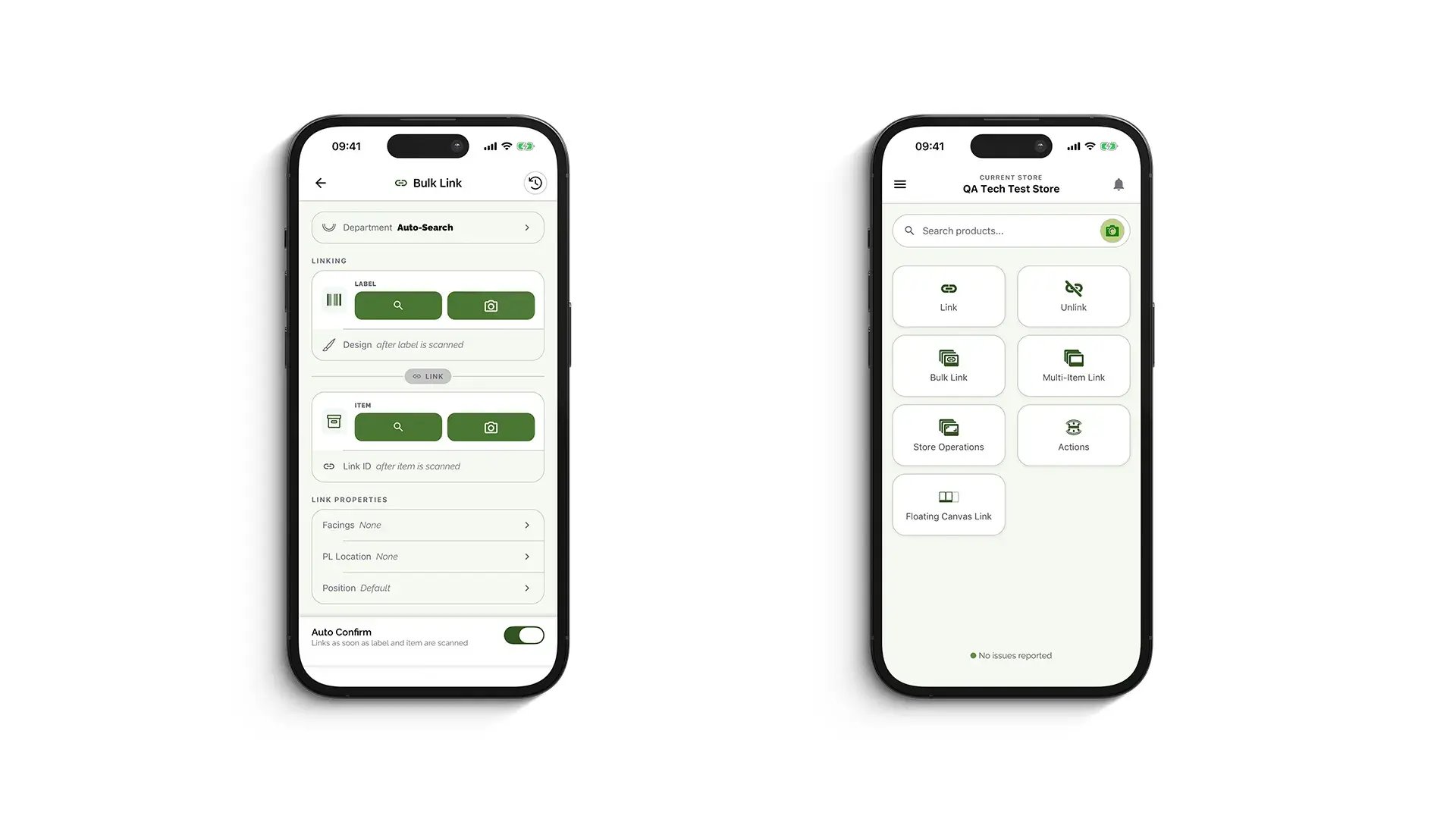
- Structured Team Governance: Workflows remain secure and efficient. Creative teams focus on building layouts in Plaza Designer, while Scenario Management within Plaza Designer handles the logic that determines when those layouts are activated. Store teams handle routine shelf tasks via Plaza Mobile.
Automated Execution
Deploying floating canvas designs and flexible layouts is only effective if deployment can be managed seamlessly across an entire store estate. Scenario Management solves this by using rule-based automation to match the right visual design to the correct product, location, or tag.
The Modern Merchandising Lifecycle
Achieving responsive in-store UX relies on a continuous, four-stage operational process:
- Design: Build standardized layouts or reusable visual components in Plaza Designer.
- Automate: Use Scenario Management within Plaza Designer to link product attributes and promotional status to specific layouts.
- Go Live: Link physical tags to products at the shelf via Plaza Mobile, instantly applying the correct central rule.
- Iterate: Refine floating canvas designs or update rules centrally in Pricer Plaza, automatically propagating changes across all connected store locations.
Bringing e-commerce-style responsiveness to physical aisles requires bridging central brand vision with a high-impact shopper experience.
By using Plaza Designer’s design and scenario management capabilities together, retail organizations redefine in-store UX and create dynamic visual updates across thousands of connected store locations, so every aisle delivers an intuitive, visually captivating, and synchronized customer experience.
Do you want to learn more about Plaza Designer or how you can transform the digital shelf edge? Please reach out to us.